
When planning a wedding on a tight budget, the stationery item is often the first one people look to cut. Free online tools now allow for the creation of elegant invitations without going through a graphic designer, as long as one knows their limits and where to save time.
Readability of the wedding invitation: the trap that free templates do not warn about
One chooses a floral template on Canva or Adobe Express, adjusts the names, and exports. The result looks elegant on screen, but once printed in small format or displayed on a phone, the text becomes hard to read. This is a real problem that most creation tutorials do not mention.
Recent graphic accessibility recommendations discourage using overly thin or very fancy fonts. A sharp contrast between the text and background, a sufficient font size, and a sans-serif font for practical information (date, location, time) ensure that all guests can read the invitation effortlessly, including the elderly or visually impaired.
Before finalizing a template, one can test readability by printing a copy on regular paper and then showing it to someone who does not yet know the wedding details. If this person has to squint or search for the date, the layout needs to be revised. When looking to create a free wedding invitation online, this quick test avoids having to reprint an entire series.

Digital invitation with integrated RSVP: much more than an image sent via SMS
Sending a photo of the invitation via messaging works, but it loses all organizational benefits. Recent digital invitation solutions go much further than a simple shared visual.
A digital invitation can become a true mini wedding website. It can include an interactive map for the ceremony location, a link to the gift registry, a photo gallery of the couple, and, most importantly, a centralized response form.
The time-saving is significant in managing responses. Feedback varies on the quality of available free tools, but several services now offer a unique link that can be shared via email, SMS, or social media. Guests can confirm their attendance with one click, without creating an account. Responses can be tracked in real-time in a spreadsheet, simplifying the seating plan and meal count.
QR code on a paper invitation: linking the physical to the digital
For those who prefer a printed invitation, the QR code has become a full-fledged organizational tool. Integrated on the back or bottom of the card, it can link to an RSVP form that collects dietary allergies, the number of guests, and menu preferences.
The QR code replaces the pre-stamped reply card and avoids having to follow up with each guest by phone. It can be generated for free using any online generator, then inserted as an image into the Canva or Adobe Express template.
Customizing a free template so that the result doesn’t look like everyone else’s wedding
The main complaint about free templates is that they are found everywhere. Several hundred couples use the same templates each season. However, a few targeted adjustments are enough to stand out.
- Replace the title font with a typography downloaded for free from Google Fonts, ensuring it remains readable in small format. One decorative font for the names, a sober font for the rest.
- Incorporate a personal photo of the couple instead of the illustrations provided by the template. A close-up shot, natural light, and a neutral background yield a better result than a cropped group photo.
- Modify the color palette of the template to match the wedding theme. A maximum of two shades, keeping a light background for readability. Dark templates consume more ink when printed.
- Remove unnecessary decorative elements (heavy borders, generic icons). A clean invitation with good typographic choices appears more personal than an overloaded template.
Export and print format: settings not to overlook
The most common mistake occurs at export. A file exported in low resolution or the wrong format results in a blurry print. Always export in high-quality PDF, ensuring the format matches the intended paper (A5, A6, or postcard size).
On Canva, the PDF export for printing with crop marks is available even in the free version. On Adobe Express, make sure the high-resolution option is selected before downloading. For those printing at home, paper with a sufficiently dense weight avoids the office paper effect.
AI-assisted design for invitations: what it concretely changes
Recent tools offer to generate an initial invitation mockup based on a few inputs: couple’s style, desired palette, invitation text, and practical details. A visual starting point can be obtained in seconds, which can then be manually adjusted.
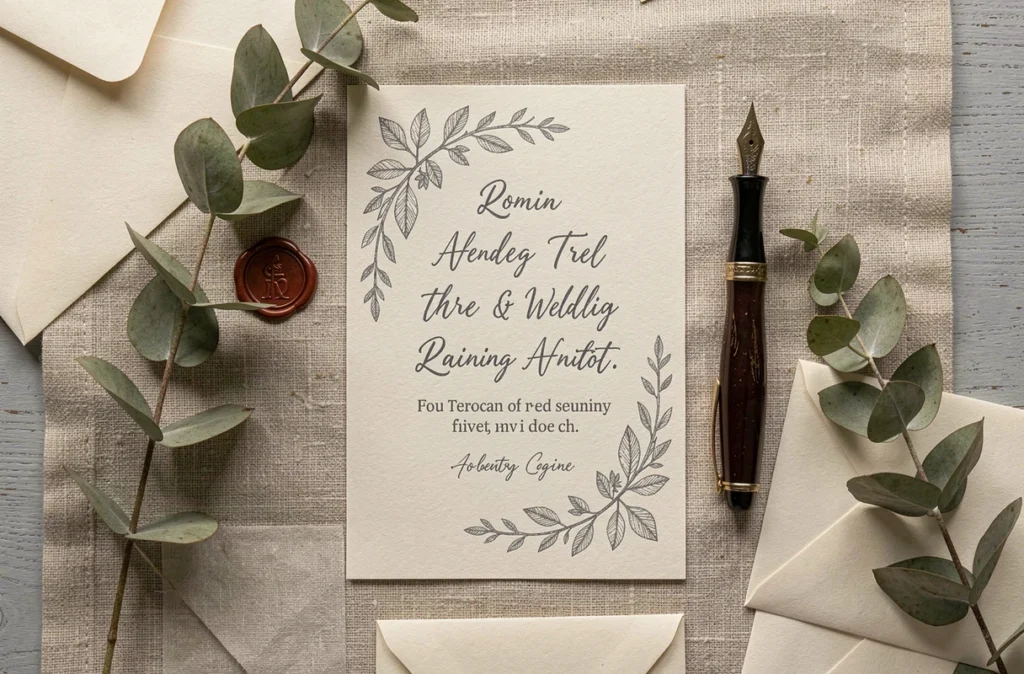
Critical fields must always be checked by a human. Names, times, the venue address, and links to the wedding website are pieces of information that AI can misplace or rephrase. There have been mockups generated with a date in the wrong format or an approximate venue name.
The main benefit of these tools is the time saved in the initial design phase. One avoids the blank page without giving up personalization, then regains control over every detail before the final export.
The wedding invitation, whether printed or digital, remains one of the few stationery items that guests keep. Focusing on readability and visual coherence rather than graphic complexity yields a better result, even with entirely free tools.